


How To Get Started With Brookhaven RP: A Complete Guide For Players

Ready to dive into the vibrant, role-playing world of Brookhaven RP? Whether you're a complete beginner or looking to level up your in-game experience, this guide will walk you through every essential step to thrive in this popular Roblox server. By the end, you'll know how to navigate the map, interact with the community, and craft immersive roleplay scenarios.
Why should you care about mastering Brookhaven RP? This server offers endless opportunities for creative expression, social connection, and casual fun with players from around the globe. But it's important to understand the core mechanics first, as this will help you avoid feeling overwhelmed and make the most of your time in the game.
Why Brookhaven RP Is Worth Your Time
- Low Barrier to Entry: You don’t need advanced gaming skills or prior roleplay experience to join. The intuitive controls and welcoming community make it easy to jump right in and start enjoying the game.
- Creative Roleplay Freedom: You can take on any character you imagine, from a small-town shopkeeper to a celebrity, and build unique storylines with other players. This flexibility lets you explore different personas and unleash your creativity.
- Global Community Interaction: Connect with thousands of players worldwide, make new friends, and collaborate on group roleplay events. This global network opens up diverse perspectives and endless social opportunities.
- Casual and Relaxed Environment: Unlike competitive games, Brookhaven RP focuses on fun and relaxation. You can hang out in virtual cafes, explore scenic locations, or just chat without the pressure of winning.
- Regular Content Updates: The developers frequently add new locations, items, and features to keep the game fresh. This means you may always find something new to explore or incorporate into your roleplay.
Step-by-Step Guide to Brookhaven RP
Step 1: Create or Link Your Roblox Account
First, you’ll need a Roblox account to access Brookhaven RP. If you don’t have one, head to the Roblox website and sign up with a valid email or username. Linking your account to a social media platform may also help you connect with friends who already play the game. Make sure to set a secure password to protect your account.
Pro tip: Enable two-factor authentication for an extra layer of security to keep your in-game items and progress safe.
Step 2: Find and Join the Brookhaven RP Server
Open the Roblox app or website, use the search bar to look for "Brookhaven RP," and select the official server from the results. Click the "Play" button to load into the game. You may need to wait a few moments for the server to connect, especially during peak hours.
Common mistake to avoid: Don’t join unofficial servers, as they may contain inappropriate content or lack the regular updates of the official server.
Step 3: Customize Your Character
Once you’re in the game, head to the character customization menu to design your avatar. You can choose from a wide range of hairstyles, clothing, accessories, and even facial features to match your roleplay persona. Take your time to create a character that feels unique to you.
Pro tip: Save multiple character presets so you can switch between different roles quickly without re-customizing from scratch.
Step 4: Explore the Map and Learn Key Locations
Start by walking around the map to get familiar with key spots like the town square, police station, hospital, and residential areas. Each location serves a specific purpose in roleplay, such as the hospital for medical scenarios or the police station for law enforcement roles. Pay attention to interactive objects like doors and vehicles that you can use.
Common mistake to avoid: Don’t rush into roleplay without exploring first—knowing the map will help you respond more naturally to in-game situations.
Step 5: Initiate and Join Roleplay Scenarios
Look for other players who are already engaged in roleplay, or start your own by approaching someone with a friendly greeting. For example, you might say, "Need a barista at my café?" or "Can you help me find my lost dog?" Be open to different storylines and adapt your character’s behavior to fit the scenario.
Pro tip: Use the in-game chat to communicate clearly, and respect other players’ boundaries if they’re not interested in joining your roleplay.
Step 6: Participate in Community Events
Keep an eye out for official community events hosted by the server moderators, such as holiday parties, talent shows, or charity drives. These events are a great way to meet new players, earn virtual rewards, and experience structured, fun roleplay scenarios.
Common mistake to avoid: Don’t disrupt events by breaking roleplay rules or being disrespectful to other participants.
Challenges to Be Aware Of
- Navigating Unstructured Roleplay: Since Brookhaven RP has no fixed storyline, it can be hard to know how to start or join scenarios, especially as a beginner. To mitigate this, observe other players first and ask for guidance if you’re unsure.
- Dealing with Toxic Players: Like any online community, you may encounter players who disrupt roleplay or behave disrespectfully. If this happens, use the in-game report feature or move to a different server to avoid negative interactions.
- Avoiding Burnout from Repetitive Scenarios: After playing for a while, you may find yourself stuck in the same roleplay routines. Mix things up by trying new characters, exploring unvisited locations, or joining community events to keep the experience fresh.
Conclusion
You now have the foundation to start your Brookhaven RP journey with confidence. You know how to set up your account, customize your character, explore the map, and engage in meaningful roleplay with other players. With these basics under your belt, you’re ready to dive deeper into the game’s creative possibilities.
Brookhaven RP offers a welcoming space for creative expression and global social connection, and by mastering its core mechanics, you’re positioning yourself to build lasting in-game friendships and craft memorable roleplay stories. The server’s regular updates also mean you may continue to discover new ways to enjoy the game over time.
Don’t wait for the perfect moment. Start exploring the town of Brookhaven and initiating your first roleplay scenario today. Every interaction is a chance to learn and have fun, so embrace the chaos and let your creativity shine.
How long does it take to feel comfortable in Brookhaven RP?
Most players feel comfortable navigating the map and joining basic roleplay scenarios within 1-2 hours of playing. If you take time to explore and interact with other players, you may master more complex roleplay techniques within a few days. Don’t rush the process—take time to enjoy learning each new aspect of the game.
Do I need Robux to enjoy Brookhaven RP?
You don’t need Robux to access the core features of Brookhaven RP. The game offers free character customization options, and you can join most roleplay scenarios without spending virtual currency. However, Robux may let you purchase exclusive clothing items or accessories to further customize your avatar. Try the free features first to see if the game is right for you.
What's the best way to find other players to roleplay with?
The best way to find roleplay partners is to hang out in busy areas like the town square or local café, where other players often gather. You can also use the in-game chat to announce your roleplay idea, such as "Starting a fire department—who wants to join?" Joining official Brookhaven RP community groups on social media may also help you connect with like-minded players.
Can I create my own custom locations in Brookhaven RP?
Currently, regular players can’t create custom locations in Brookhaven RP, as map updates are managed exclusively by the development team. However, you can use existing locations in creative ways to build unique roleplay scenarios, such as turning a residential home into a boutique store or a secret hideout. Keep an eye on server updates, as new locations may be added regularly.
RECOMMEND ARTICLES

How To Get Free Premium & Game Pass In Roblox Brookhaven Using Verified Safe Methods

How To Get All Kinds Of Free Items In Roblox Brookhaven Legally
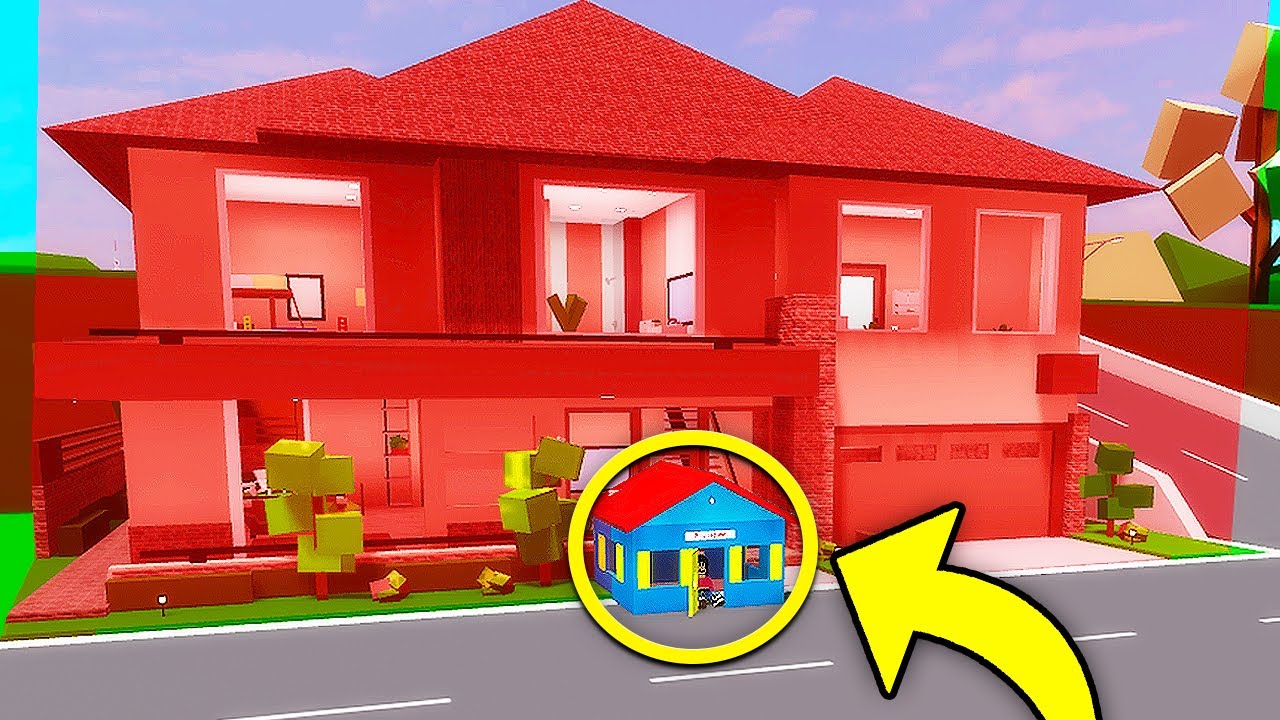
How To Get Into A BANNED House In Brookhaven: A Step-by-Step Guide
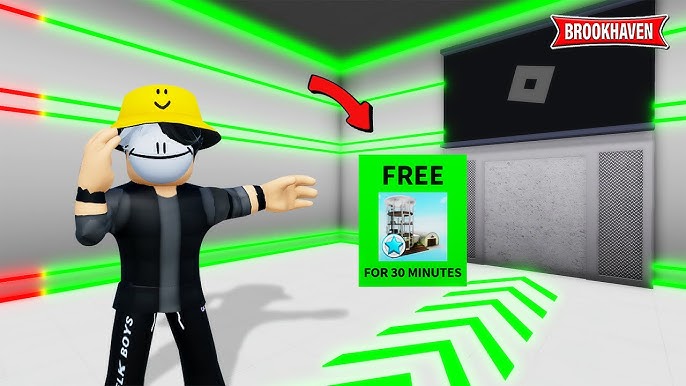
How To Unlock And Maximize Brookhaven FREE Premium Room: A Complete Guide
How To Use Ghost Code In Brookhaven RB: A Complete Player's Guide
How To Get A Free Invisible Avatar In Roblox Brookhaven RP Using ID Codes
How To Improve Your Brookhaven RP Experience In 5 Minutes
How To Master Brookhaven RP Story Hacks: A Complete Guide For Players
Most Read

8 Signs To Tell If Someone Has A Crush On You!

How To Find Affordable Legal Services Near You: A Practical Guide For Clients

How To Use AI: A Beginner's Guide To Core Functions And Practical Applications

Families May Qualify For Up To $1,390 A Month In Grocery Support: Guide To SNAP Benefits

How To Tell Lucky Signs On Your Palm: Symbols That Reveal Fortune And Prosperity
How To Prevent Period Leaks
Subscribe For New Quizzes

Copyright © 2019-2026 | All rights reserved.