


How To Use AI Face-Swapping Effects To Create Stunning Couple Photos

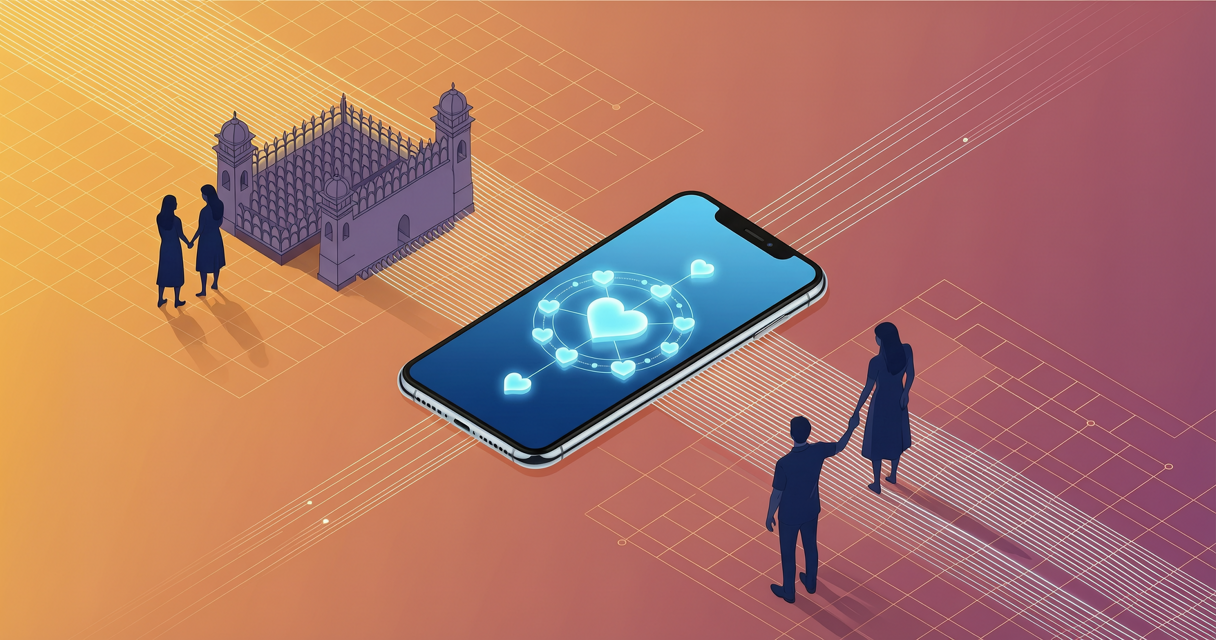
Have you ever wondered how couples capture those effortlessly romantic portraits without spending hours in a studio? You can now explore creative digital techniques that blend your favorite memories into stunning visual masterpieces. AI face swapping offers a playful yet meaningful way to celebrate your relationship through personalized imagery. Could this innovative digital approach truly become the perfect addition to your personal creative toolkit?
With the right approach, you can craft unique anniversary gifts or eye-catching social media posts that truly reflect your bond. The process requires careful tool selection and thoughtful editing, but the results often speak for themselves. Building on that creative potential, you might be curious about the specific benefits. Why should you consider this method for your next project?
Why AI Face Swapping for Couple Photos Is Worth Your Time
- You can preserve cherished memories while experimenting with imaginative digital art styles that traditional photography might not offer.
- This approach allows you to craft highly personalized anniversary gifts that resonate deeply with your partner.
- You may save considerable time compared to scheduling professional photo sessions or traveling to scenic locations.
- The technique enables seamless integration of facial features while maintaining the original emotional atmosphere of your shots.
- You can explore various artistic themes, from vintage cinema to modern fantasy, without needing advanced photography skills.
Considering these advantages, you probably want to know how to execute the process smoothly. Following a structured workflow will help you achieve consistent results every time.
Step-by-Step Guide to AI Face Swapping for Couple Photos
Step 1: Select a reliable and privacy-conscious AI platform
You should prioritize services that clearly outline their data retention policies and offer secure upload environments. Many modern platforms automatically delete your source files after processing to protect your personal information. Reading recent user reviews can help you verify their security standards. Are you ready to choose a trustworthy tool for your workflow?
Step 2: Prepare clear and well-lit source photographs
You need high-resolution images with unobstructed faces and consistent lighting conditions for optimal results. Avoid heavy shadows or extreme angles that might confuse the facial recognition algorithms. Cropping your photos to focus on the upper body often improves alignment accuracy. Have you gathered your favorite couple portraits for this session?
Step 3: Upload images and initiate the initial swap
You can drag your base photo into the designated workspace and select the target face for replacement. Most interfaces provide automatic alignment tools that map facial boundaries before generating the preview. Adjusting the initial placement carefully prevents awkward distortions in the final output. Would you like to see how the preliminary blend looks?
Step 4: Refine facial landmarks to preserve natural expressions
You should manually adjust key points around the eyes, eyebrows, and mouth to maintain authentic micro-expressions. Using the brush or warp tools helps you smooth out any stiff or unnatural transitions. Keeping the original emotional tone intact ensures the portrait feels genuinely personal. Does the expression still convey the warmth you originally captured?
Step 5: Harmonize lighting and color grading for seamless blending
You can modify brightness, contrast, and color temperature sliders to match the swapped face with the surrounding environment. Applying localized adjustment layers allows you to soften harsh edges and eliminate visible seams. Experimenting with overlay blending modes often creates a cohesive and romantic visual style. Are the lighting transitions now completely invisible to the viewer?
Step 6: Finalize the composition and export in high quality
You might want to apply a subtle filter that enhances the overall mood without overpowering the facial details. Reviewing the image at full zoom helps you catch any minor artifacts before saving the final version. Exporting in PNG format typically preserves the intricate details you carefully refined. Is your masterpiece ready to share with your loved ones?
Moving beyond the technical process, it helps to acknowledge potential obstacles. Understanding these common hurdles will prepare you for a smoother editing experience.
Challenges to Be Aware Of
- Some platforms may temporarily store your uploaded images, making thorough privacy checks highly necessary.
- Complex background lighting can occasionally produce mismatched skin tones or unnatural shadow placements.
- Over-relying on automated features might sometimes flatten delicate facial details or subtle emotional cues.
- You might require several practice rounds to achieve perfectly balanced proportions without noticeable blending lines.
Even with these considerations, the creative rewards often outweigh the initial learning curve. By staying mindful of these factors, you can navigate the process with confidence. What will your first digital couple portrait look like?
Conclusion
Creating romantic couple portraits with digital tools can truly elevate your shared memories. By prioritizing secure platforms and dedicating time to careful editing, you will likely produce images that feel both authentic and artistic. Have you considered which photo you might transform first? Start experimenting today, and let your creativity guide the process toward beautiful results.
FAQ
How do I choose a privacy-safe AI tool for couple photos?
You should prioritize platforms that explicitly state their data deletion policies and avoid requiring unnecessary personal accounts. Many reputable services offer guest modes that automatically clear your uploads after processing. Consistently review community feedback regarding security practices before sharing personal images. Compare your options and select a service that aligns with your privacy comfort level.
What is the best way to fix mismatched lighting during editing?
You can adjust color balance and brightness layers to harmonize mismatched lighting conditions effectively. Using localized blending brushes helps smooth out harsh shadows around the swapped facial areas. Most editing interfaces allow you to sample surrounding tones for a more cohesive appearance. Try experimenting with opacity sliders until the transition feels completely seamless.
Can I maintain natural facial expressions after swapping?
Maintaining authentic expressions requires careful alignment of key facial landmarks like eyes and mouth contours. You may need to manually tweak the swap area to preserve subtle micro-expressions that convey genuine emotion. Some advanced tools include expression retention sliders to assist with this delicate process. Review your draft closely and refine any stiff areas before finalizing your artwork.
How long does the entire process typically take?
The initial upload and processing usually takes only a few minutes on modern platforms. However, achieving a polished result often requires additional time for manual adjustments and lighting harmonization. You might spend around thirty to sixty minutes total depending on your desired level of detail. Set aside a quiet afternoon and enjoy the creative workflow at your own pace.
Most Read
How To Find Free McDonald’s Coupons: Easy Strategies For Regular Savings
How To Potentially Earn Consistent In-Game Rewards In Blox Fruits
How To Figure Out What Type Of Girl You Are
Longevity Guide: How To Live Longer?
Discover The World's Most Unique Traditional Attire!
These Experiences Prove Your Parallel Self Is Contacting You!
Subscribe For New Quizzes


Copyright © 2019-2026 | All rights reserved.